
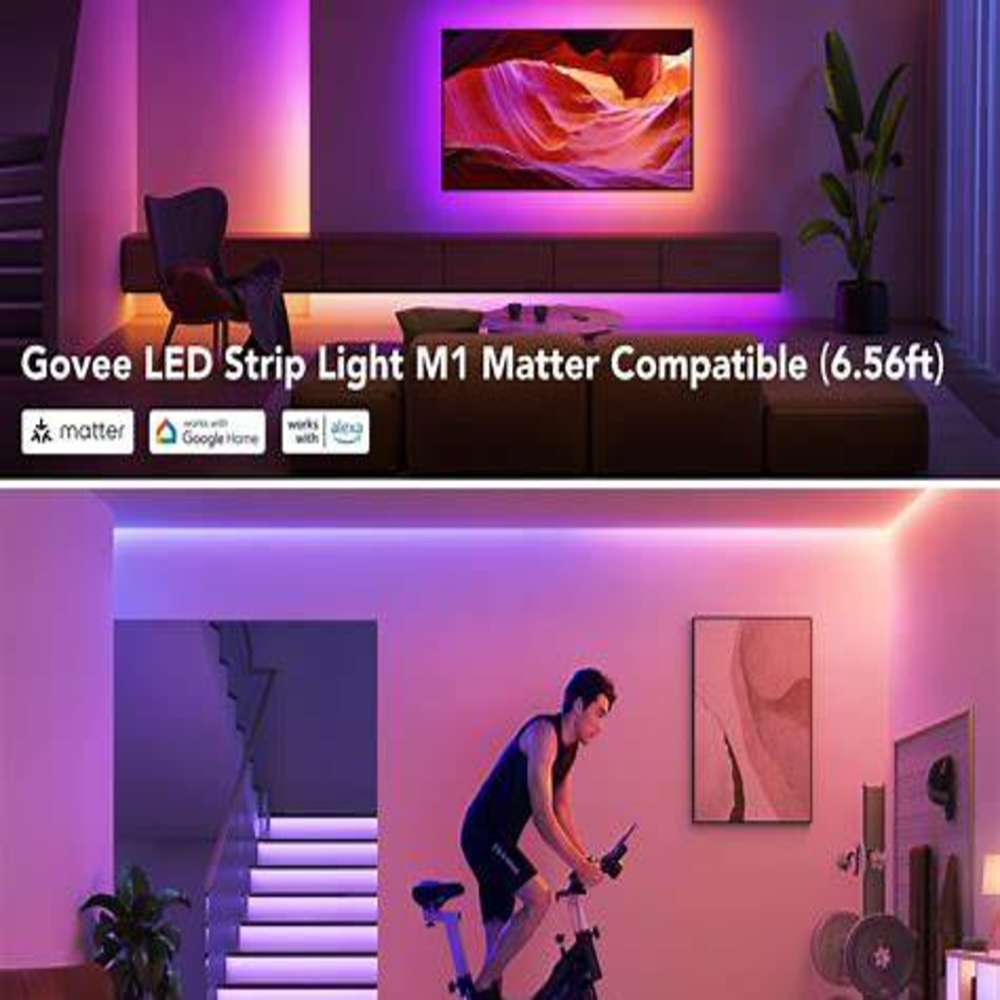
The smart LED strip light is designed for people who want colorful and customizable home lighting.
Instead of using a basic light strip, the M1 adds smart controls through a connected app.
As a result, users can adjust lighting, create effects, and build scenes for different situations.
The product can be useful in bedrooms, gaming rooms, living rooms, home offices, and entertainment spaces.
What Is the Smart LED Strip Light?
It is a connected LED strip designed for indoor lighting applications.
It uses a flexible strip with a controller and power connection.
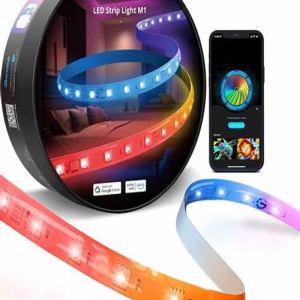
Depending on the configuration, users can control the lighting through the Govee Home app and compatible smart-home platforms.
Main Features of the Govee M1
The M1 focuses on colorful and customizable lighting.
Features can include:
- RGBIC lighting
- Brightness adjustment
- Color selection
- Lighting effects
- App control
- Music synchronization
- Smart-home integration
Exact features can vary by product version and ecosystem support. Therefore, check the manufacturer’s current specifications before purchasing.
RGBIC Lighting Explained
RGBIC is different from a basic RGB strip.
With standard RGB lighting, the entire strip may display one color at a time.
RGBIC technology can allow different sections of the strip to display different colors simultaneously.
For example, one part can display blue while another section shows purple or red.
That makes the lighting more dynamic.
How to Set It Up
The installation process is generally straightforward.
First, choose a suitable location.
Next, clean the surface and measure the area.
Then connect the strip to its controller and power supply.
After that, install the Govee Home app and follow the pairing instructions.
Finally, connect the product to your preferred smart-home system if supported.
Avoid placing the strip in unsuitable environments. Always follow the manufacturer’s installation instructions.
Where Can You Use It?
Gaming Setup
RGBIC effects can make gaming desks and rooms more visually interesting.
You can create custom colors or effects to match your setup.
Bedroom
Use softer colors for a relaxing environment.
Living Room
The strip can provide ambient lighting behind furniture or a television.
Home Office
Subtle lighting can add atmosphere to a workspace.
Smart-Home Compatibility
Compatibility is an important factor.
The M1 ecosystem has supported smart-home integration, and certain versions or configurations can work with Matter-compatible ecosystems.
Pros
The main advantages include:
- Bright lighting
- Colorful effects
- Flexible placement
- App-based control
- Custom scenes
- Smart-home integration
The lighting effects can make the product attractive for entertainment and gaming spaces.
Cons
However, there are some things to consider.
The app may feel more complex than a basic LED controller.
Also, users should check the exact model and supported features before purchasing.
The installation area must also be measured carefully.
Is It Worth Buying?
That depends on your needs.
If you only want basic white lighting, a simple LED strip may be enough.
On the other hand, people who want colorful effects, app control, and smart-home integration may find the M1 more useful.
Before buying, compare:
- Price
- Strip length
- Brightness
- Compatibility
- App features
- Installation requirements
- Warranty
Final Thoughts
The Govee M1 smart LED strip light is designed for users who want more control over their home lighting.
Its combination of colorful effects, app control, and smart features makes it suitable for bedrooms, gaming rooms, living rooms, and entertainment areas.
Still, the right choice depends on your room, budget, and smart-home ecosystem.