
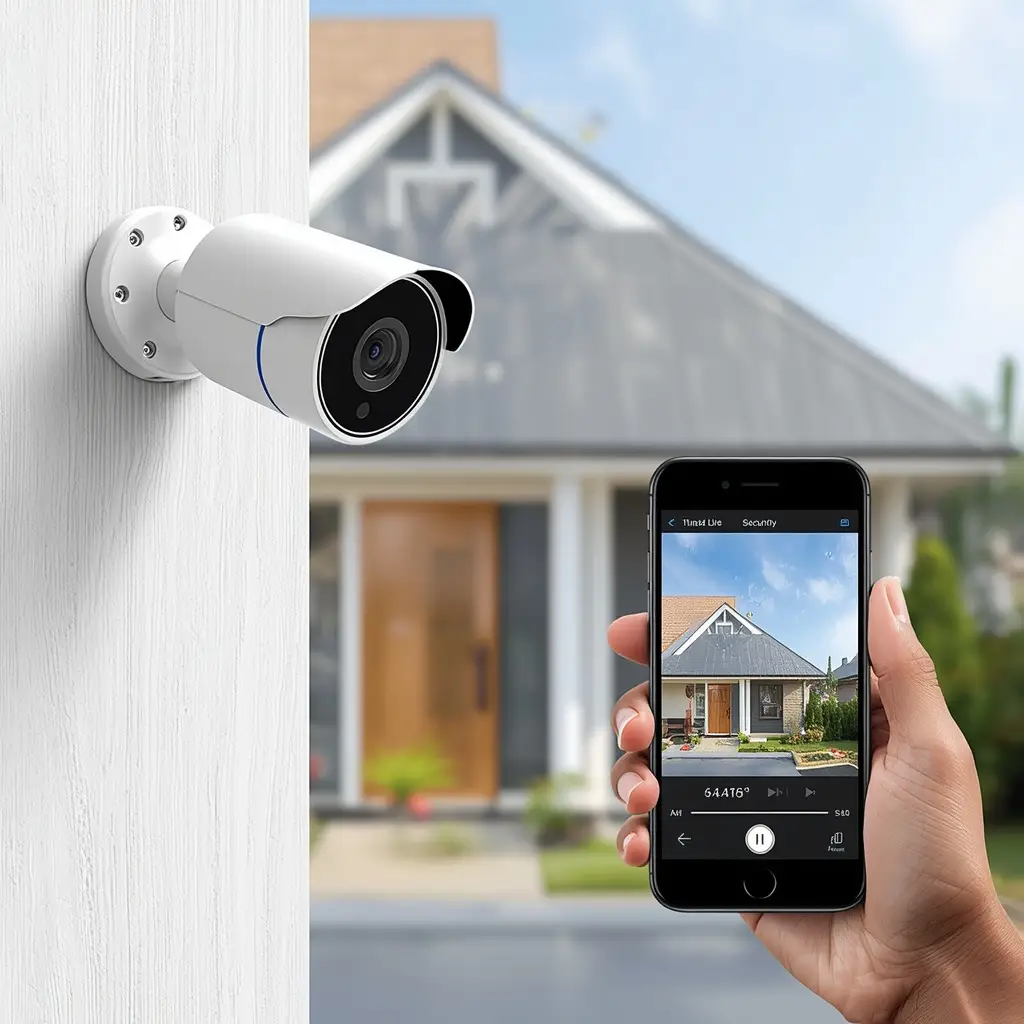
Keeping your home safe does not have to be expensive. Today, the best budget smart security camera offers excellent protection without costing a fortune. Whether you want to monitor your front door, keep an eye on your pets, or check your home while you’re away, an affordable smart security camera can provide peace of mind at a reasonable price.
Moreover, modern budget security cameras come with impressive features such as HD video, motion detection, two-way audio, night vision, and smartphone alerts. As a result, homeowners can enjoy advanced security without investing in expensive surveillance systems.
However, choosing the right camera can be challenging because there are so many options available. Therefore, this guide will help you compare the best budget smart security cameras, understand the key features, and choose the perfect model for your home.
Why Choose a Budget Smart Security Camera?
Many people assume that affordable security cameras lack important features. Fortunately, that is no longer true.
Today’s budget cameras offer excellent value while still providing reliable home security.
Some major benefits include:
- Affordable price
- Easy DIY installation
- HD video quality
- Motion detection alerts
- Smartphone remote access
- Cloud and local storage options
- Two-way audio
- Night vision
Additionally, most budget models work with Amazon Alexa or Google Assistant, making smart home automation even easier.
What to Look for Before Buying
Before choosing the best budget smart security camera, consider the following features.
Video Resolution
Image quality is one of the most important factors.
Choose at least:
- 1080p Full HD
If your budget allows, consider:
- 2K Resolution
- 4MP Camera
- 4K Ultra HD
Higher resolution provides clearer faces and license plates.
Night Vision
Most incidents happen at night.
Therefore, your camera should include:
- Infrared Night Vision
- Color Night Vision
- Automatic Night Mode
Clear nighttime footage greatly improves security.
Motion Detection
Smart motion detection helps reduce unnecessary alerts.
Look for features such as:
- Person Detection
- Vehicle Detection
- Pet Detection
- Motion Zones
Consequently, you receive alerts only when something important happens.
Storage Options
There are two main storage methods.
Cloud Storage
Advantages:
- Easy remote access
- Automatic backup
- Secure online storage
Disadvantages:
- Monthly subscription
Local Storage
Advantages:
- No monthly fee
- MicroSD card support
Disadvantages:
- Limited storage space
Many homeowners prefer cameras that support both options.
Smart Home Compatibility
If you already use smart home devices, compatibility is essential.
Choose cameras that work with:
- Amazon Alexa
- Google Assistant
- SmartThings
This allows you to control your camera with voice commands.
Best Budget Smart Security Cameras
Below are some of the most reliable and affordable options available today.
1. Blink Mini
The Blink Mini is one of the most popular budget smart security cameras.
Pros
- 1080p HD video
- Motion detection
- Two-way audio
- Alexa compatible
- Easy setup
Cons
- Subscription required for some cloud features
Best for:
Small apartments and indoor monitoring.
2. TP-Link Tapo C120
TP-Link continues to offer excellent value.
Pros
- 2K video quality
- Color night vision
- Local storage support
- AI motion detection
- Affordable price
Cons
- Limited smart home integrations compared to premium models
Best for:
Families looking for high-quality video on a budget.
3. Wyze Cam v4
Wyze has become famous for affordable smart home products.
Pros
- Crystal-clear HD video
- Color night vision
- Person detection
- Weather-resistant design
- Local recording
Cons
- Some advanced AI features require a subscription.
Best for:
Indoor and outdoor home security.
4. Kasa Spot Camera
The Kasa Spot Camera is another excellent budget option.
Pros
- 1080p Full HD
- Night vision
- Motion alerts
- Alexa support
- Easy mobile app
Cons
- Indoor use only
Best for:
Monitoring children, pets, or living rooms.
5. Ring Indoor Cam
Although slightly more expensive than other budget models, the Ring Indoor Cam provides excellent value.
Pros
- Reliable performance
- Excellent app
- Privacy controls
- Two-way talk
- Alexa integration
Cons
- Subscription recommended for video history
Best for:
Users already using Amazon Alexa.
How to Choose the Right Camera for Your Needs
Not every home requires the same type of security camera. Therefore, selecting the right model depends on where and how you plan to use it.
For Apartments
If you live in a small apartment, choose a compact indoor camera with a wide viewing angle and motion alerts. Cameras like the Blink Mini or Kasa Spot are excellent choices because they are affordable, easy to install, and perfect for monitoring entryways or living spaces.
For Families
Families often need cameras that provide clear video, two-way audio, and reliable night vision. A model with person detection and local storage can offer extra convenience while helping reduce unnecessary alerts.
For Outdoor Security
When protecting outdoor areas, look for a weather-resistant camera with color night vision and a strong Wi-Fi connection. Outdoor models should also include motion detection and high-resolution recording for better visibility.
Best Budget Smart Security Camera Comparison
Choosing the right camera becomes much easier when you compare the most important features side by side.
| Camera | Video Quality | Night Vision | Storage | Voice Assistant | Best For |
|---|---|---|---|---|---|
| Blink Mini | 1080p HD | Infrared | Cloud | Alexa | Indoor use |
| TP-Link Tapo C120 | 2K | Color Night Vision | Local + Cloud | Alexa & Google | Overall value |
| Wyze Cam v4 | 2K HD | Color Night Vision | Local + Cloud | Alexa & Google | Indoor & Outdoor |
| Kasa Spot Camera | 1080p HD | Infrared | Cloud | Alexa & Google | Home monitoring |
| Ring Indoor Cam | 1080p HD | Infrared | Cloud | Alexa | Smart homes |
Overall, the TP-Link Tapo C120 stands out as the best value for money because it combines excellent video quality, AI detection, and flexible storage options at an affordable price.

Indoor vs Outdoor Budget Security Cameras
Before making your purchase, decide where you plan to install the camera.
Indoor Cameras
Indoor cameras are ideal for monitoring:
- Living rooms
- Bedrooms
- Hallways
- Pets
- Children
Additionally, they are usually smaller, easier to install, and more affordable.
Advantages
- Lower price
- Easy installation
- Compact design
- Excellent Wi-Fi connectivity
Outdoor Cameras
Outdoor cameras are designed to withstand harsh weather conditions.
They usually include:
- Waterproof housing
- Better night vision
- Wider viewing angles
- Weather-resistant materials
Consequently, they provide better protection for driveways, garages, and front doors.
Installation Tips
Installing a budget smart security camera is surprisingly simple.
Follow these best practices:
Place the Camera at Eye Level
This position captures clearer facial details.
Avoid Direct Sunlight
Strong sunlight may reduce image quality.
Improve Wi-Fi Coverage
A stable Wi-Fi signal ensures smooth live streaming and faster notifications.
Keep Firmware Updated
Regular updates improve security and add new features.
Secure Your Account
Always use a strong password and enable two-factor authentication whenever possible.
These simple steps can significantly improve your camera’s performance.
Common Buying Mistakes
Many buyers focus only on price. However, choosing the cheapest camera is not always the best decision.
Avoid these common mistakes:
- Buying a camera with poor night vision.
- Ignoring cloud storage costs.
- Choosing a camera that doesn’t support Alexa or Google Assistant.
- Forgetting to check weather resistance for outdoor use.
- Overlooking motion detection quality.
- Ignoring warranty and customer support.
Instead, compare features carefully before making your final decision.
Why a Budget Camera Is Worth It
Many homeowners wonder whether an affordable camera can provide reliable protection.
The answer is yes.
Today’s budget smart security cameras offer excellent performance for everyday home security.
For example, they can:
- Send instant motion alerts.
- Let you watch live video remotely.
- Record important events.
- Deter potential intruders.
- Monitor children and pets.
- Help protect deliveries at your front door.
Therefore, a budget camera is an excellent investment for most households.
Frequently Asked Questions
What is the best budget smart security camera?
The TP-Link Tapo C120 is one of the best overall choices thanks to its 2K video, AI motion detection, and affordable price.
Do budget security cameras require a subscription?
Not always. Many models support local storage using a microSD card, while cloud storage subscriptions remain optional.
Can I use a budget security camera with Alexa?
Yes. Many popular models, including Blink, Ring, TP-Link Tapo, and Wyze, work with Amazon Alexa.
Is 1080p enough for home security?
Yes. Full HD 1080p provides clear video for most homes. However, if your budget allows, 2K resolution offers even better image quality.
Can I install a security camera myself?
Absolutely. Most budget smart security cameras are designed for easy DIY installation and can be set up in just a few minutes using the manufacturer’s mobile app.See More our products
Final Verdict
Finding the best budget smart security camera doesn’t mean you have to sacrifice quality. Today, affordable models offer impressive features such as HD video, night vision, motion detection, and voice assistant compatibility. After buying a camera, follow our Smart Security Camera Setup Guide to install and configure it correctly.
If you want the best overall value, the TP-Link Tapo C120 is an excellent choice. On the other hand, if you’re already using Alexa, the Blink Mini or Ring Indoor Cam integrates seamlessly into your smart home ecosystem.
Ultimately, the right camera depends on your budget, installation location, and preferred features. By comparing your options carefully, you can enjoy reliable home security without overspending.