
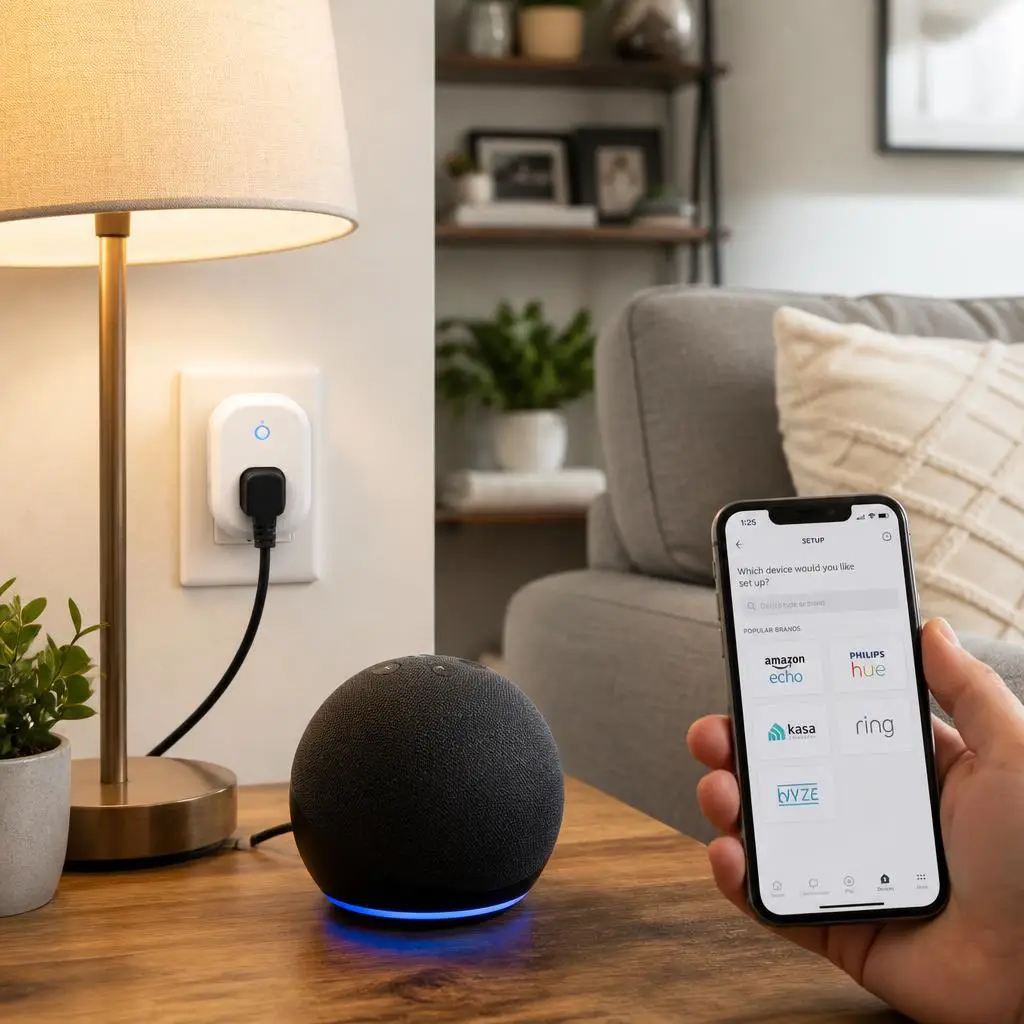
Setting up a smart home has never been easier, and a Smart Plug Alexa Setup is one of the simplest ways to get started. A smart plug transforms almost any standard appliance into a voice-controlled device. Whether you want to turn on a lamp, schedule your coffee maker, or automate holiday lights, Alexa makes the process quick and convenient.
Moreover, smart plugs help reduce energy waste by allowing you to schedule devices and monitor their usage. As a result, you can enjoy a more comfortable and energy-efficient home without replacing your existing appliances.
If you are setting up your first smart plug, don’t worry. This guide explains every step in a simple way. By the end of this article, you will know how to connect your smart plug to Alexa, create routines, and solve common setup problems.
What Is a Smart Plug?
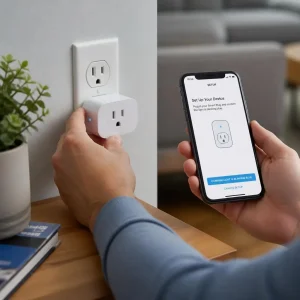
A smart plug is a Wi-Fi-enabled device that plugs into a standard wall outlet. After connecting it to your home network, you can control anything plugged into it using your smartphone or a voice assistant like Amazon Alexa.
Unlike traditional plugs, smart plugs offer advanced features such as:
- Voice control
- Scheduling
- Remote access
- Timer settings
- Energy monitoring (on supported models)
- Automation routines
Therefore, instead of walking across the room to switch off a lamp, you can simply say:
“Alexa, turn off the living room lamp.”
Within seconds, Alexa sends the command to your smart plug through Wi-Fi.
Why Use Alexa with a Smart Plug?
Alexa makes your smart plug much more useful. Instead of opening an app every time, you can control devices using simple voice commands. Best Smart Plug for Alexa
For example, you can say:
- Alexa, turn on the fan.
- Alexa, turn off the coffee maker.
- Alexa, switch on bedroom lights.
- Alexa, turn off the Christmas tree.
Additionally, Alexa allows you to automate multiple devices at once. This means one command can control several smart plugs simultaneously.
Some key benefits include:
Hands-Free Convenience
Voice control lets you operate appliances while cooking, cleaning, or relaxing.
Energy Savings
You can schedule devices to turn off automatically. Consequently, you avoid wasting electricity.
Better Home Automation

Alexa routines let multiple smart devices work together.
Remote Control
Even when you’re away from home, you can control compatible smart plugs through the Alexa app.
What You Need Before Starting the Smart Plug Alexa Setup
Before beginning the setup process, make sure you have everything ready.
1. A Compatible Smart Plug
Choose a smart plug that supports Amazon Alexa.
Popular brands include:
- TP-Link Kasa
- Amazon Smart Plug
- Meross
- Govee
- Tapo
- Wemo
2. Stable Wi-Fi Connection
Most smart plugs work only with 2.4 GHz Wi-Fi during the initial setup.
If your router combines 2.4 GHz and 5 GHz into one network, check the manufacturer’s instructions before connecting.
3. Amazon Alexa App
Download the Alexa app on your smartphone.
Sign in using your Amazon account before adding new devices. See More
4. Manufacturer’s App
Most brands require their own mobile app first.
Examples include:
- Kasa Smart
- Tapo
- Smart Life
- Meross
- Govee Home
Once the plug is added there, Alexa can discover it easily.
How to Set Up a Smart Plug with Alexa
Now let’s begin the actual Smart Plug Alexa Setup process.
Step 1: Plug the Device into the Wall
Insert your smart plug into a working electrical outlet.
Most models will immediately begin blinking.
A blinking LED usually means the device is in pairing mode.
If the light does not blink, press and hold the power button for about five seconds until it starts flashing.
Step 2: Connect the Smart Plug to Wi-Fi
Open the manufacturer’s app.
Then follow these steps:
- Tap Add Device.
- Select Smart Plug.
- Enter your Wi-Fi password.
- Wait for the device to connect.
- Give your plug a meaningful name.
For example:
- Living Room Lamp
- Coffee Machine
- Bedroom Fan
- TV Plug
Using clear names makes Alexa voice commands much easier.
Step 3: Open the Alexa App
Once your smart plug is connected to Wi-Fi, open the Amazon Alexa app.
Next:
- Tap Devices
- Tap the + icon
- Choose Add Device
- Select Plug
- Choose your smart plug brand
Alexa will now search for compatible devices.
This process usually takes less than a minute.
Step 4: Discover Your Smart Plug
After Alexa finishes searching, your smart plug should appear automatically.
Tap the device.
Then assign it to a room such as:
- Living Room
- Kitchen
- Bedroom
- Office
Organizing devices by room makes voice control more accurate.
For example:
“Alexa, turn off the bedroom lights.”
Alexa will know exactly which smart plug belongs to that room.
Test Your Smart Plug with Alexa
After Alexa discovers your smart plug, it is time to test it. Fortunately, this step only takes a few seconds.
Simply say one of these commands:
- Alexa, turn on the living room lamp.
- Alexa, turn off the coffee maker.
- Alexa, switch on the bedroom fan.
- Alexa, turn off the TV plug.
If Alexa responds correctly, your Smart Plug Alexa Setup is complete. Otherwise, check your Wi-Fi connection and make sure the smart plug is online.
How to Create Alexa Routines
One of the best features of Alexa is automation. Instead of controlling each device separately, you can create routines that perform multiple actions with a single command.
For example, create a Good Morning routine.
When you say:
“Alexa, good morning.”
Alexa can automatically:
- Turn on your coffee maker.
- Switch on the bedroom lights.
- Turn on the fan.
- Read the weather forecast.
- Share the latest news.
Likewise, you can create a Good Night routine.
Alexa can:
- Turn off all lights.
- Switch off the TV.
- Turn off the fan.
- Lock compatible smart locks.
- Set an alarm.
As a result, your daily routine becomes much more convenient.
Best Alexa Voice Commands
Once your smart plug is connected, you can control it with simple voice commands.
Here are some popular examples:
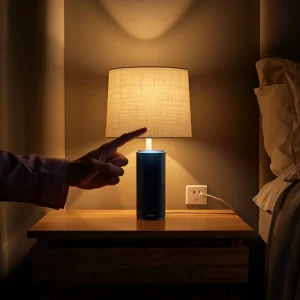
- Alexa, turn on the lamp.
- Alexa, turn off the fan.
- Alexa, switch on the coffee machine.
- Alexa, turn off all lights.
- Alexa, is the living room plug on?
- Alexa, turn on my holiday lights.
- Alexa, power off the television.
- Alexa, turn everything off.
These commands make everyday tasks faster and easier.
Schedule Your Smart Plug
Scheduling is another useful feature.
For example, you can:
- Turn on the porch light at sunset.
- Turn off the bedroom lamp at 11:00 PM.
- Start the coffee maker every morning at 7:00 AM.
- Turn on holiday lights every evening.
Consequently, you no longer need to remember these tasks.
Common Smart Plug Alexa Setup Problems and Fixes
Even though setup is usually straightforward, you may encounter a few issues. Fortunately, most problems are easy to solve.
1. Alexa Cannot Find the Smart Plug
Try these solutions:
- Make sure the plug is connected to Wi-Fi.
- Confirm that both devices use the same Amazon account.
- Restart the Alexa app.
- Restart the smart plug.
- Run Discover Devices again.
2. Smart Plug Won’t Connect to Wi-Fi
Many smart plugs only support 2.4 GHz Wi-Fi.
If you’re using a 5 GHz network, switch to a compatible 2.4 GHz connection during setup.
Also, ensure your Wi-Fi password is correct.
3. Alexa Says “Device Is Unresponsive”
This usually means the smart plug has lost its internet connection.
To fix it:
- Restart your router.
- Restart the smart plug.
- Update the manufacturer’s app.
- Update the Alexa app.
- Reconnect the device if necessary.
4. Voice Commands Don’t Work
Check whether the device name is easy to pronounce.
For instance, instead of naming it Plug 01, use:
- Bedroom Lamp
- Coffee Maker
- Desk Fan
Simple names improve Alexa’s voice recognition.
Smart Plug Alexa Setup Tips
Follow these tips for the best experience:
- Keep your Alexa app updated.
- Use a strong Wi-Fi signal.
- Give every smart plug a unique name.
- Group devices by room.
- Enable automatic firmware updates.
- Avoid plugging high-power appliances into smart plugs unless they are rated for the required load.
These small steps help improve reliability and performance.
Is It Safe to Use Smart Plugs with Alexa?
Yes. Smart plugs are generally safe when purchased from trusted brands.
However, follow these safety practices:
- Buy certified smart plugs.
- Do not exceed the maximum power rating.
- Keep plugs away from water.
- Update firmware regularly.
- Use strong passwords for your Amazon account and Wi-Fi network.
Following these recommendations helps protect both your devices and your home.
Frequently Asked Questions
Can I use Alexa without a smart plug?
Yes. However, you need a smart plug if you want Alexa to control traditional electrical appliances like lamps, fans, or coffee makers.
Do smart plugs work without Wi-Fi?
No. Most smart plugs require a Wi-Fi connection for remote control and Alexa integration.
Can one Alexa control multiple smart plugs?
Absolutely. Alexa can manage multiple smart plugs at the same time. You can also group them into rooms or routines.
Do smart plugs increase electricity usage?
Smart plugs consume a very small amount of standby power. However, they often help reduce overall electricity consumption by automating devices and preventing unnecessary power use.
Can I control my smart plug when I’m away from home?
Yes. As long as your smart plug is connected to the internet, you can control it remotely through the Alexa app or the manufacturer’s app.
Conclusion
A Smart Plug Alexa Setup is one of the easiest ways to begin building a smart home. Within just a few minutes, you can control lights, fans, coffee makers, and many other appliances using simple voice commands or automated routines.
Additionally, smart plugs make daily life more convenient moreover helping you save energy and manage your devices from anywhere. By following the steps in this guide, you can complete the setup with confidence and enjoy a smarter, more connected home.